Most 'best AI agent' lists are affiliate listicles or vendor marketing pages. This is a practitioner-led comparison built on real metrics from projects we've delivered for UK clients.
Most "best AI agents" lists are affiliate roundups or vendor marketing dressed up as editorial. We wanted to write something different: a practitioner comparison grounded in real build decisions, covering latency, cost-per-call, reliability and integration complexity from projects we've delivered.
There is no single best AI agent in 2026. The right choice depends on your use case, your team's technical depth and your data residency requirements. We've built production AI agent systems and workflows for UK clients and this guide shares what actually works beyond the marketing pages.
Which AI agent platform should you pick for your use case?
If you need a fast recommendation, here it is.
- Internal workflow automation (approvals, document processing, data enrichment): Microsoft Copilot Studio or LangGraph. Copilot Studio wins on speed-to-deploy if you're already in the Microsoft ecosystem. LangGraph wins on flexibility if you have engineering resource.
- Customer-facing agents (support, onboarding, product guidance): OpenAI Assistants API or Anthropic's Claude with tool use. Both offer strong SDKs and reliable function-calling.
- Highly regulated or data-sensitive workloads: self-hosted open-source frameworks (LangGraph, CrewAI) on UK-based cloud infrastructure. This gives you full control over data residency and how it is used more broadly.
No single platform dominates every scenario. The right choice depends on your team's technical depth, your data residency requirements and concerns and how much you're willing to spend per interaction.
How we tested: the real metrics that matter
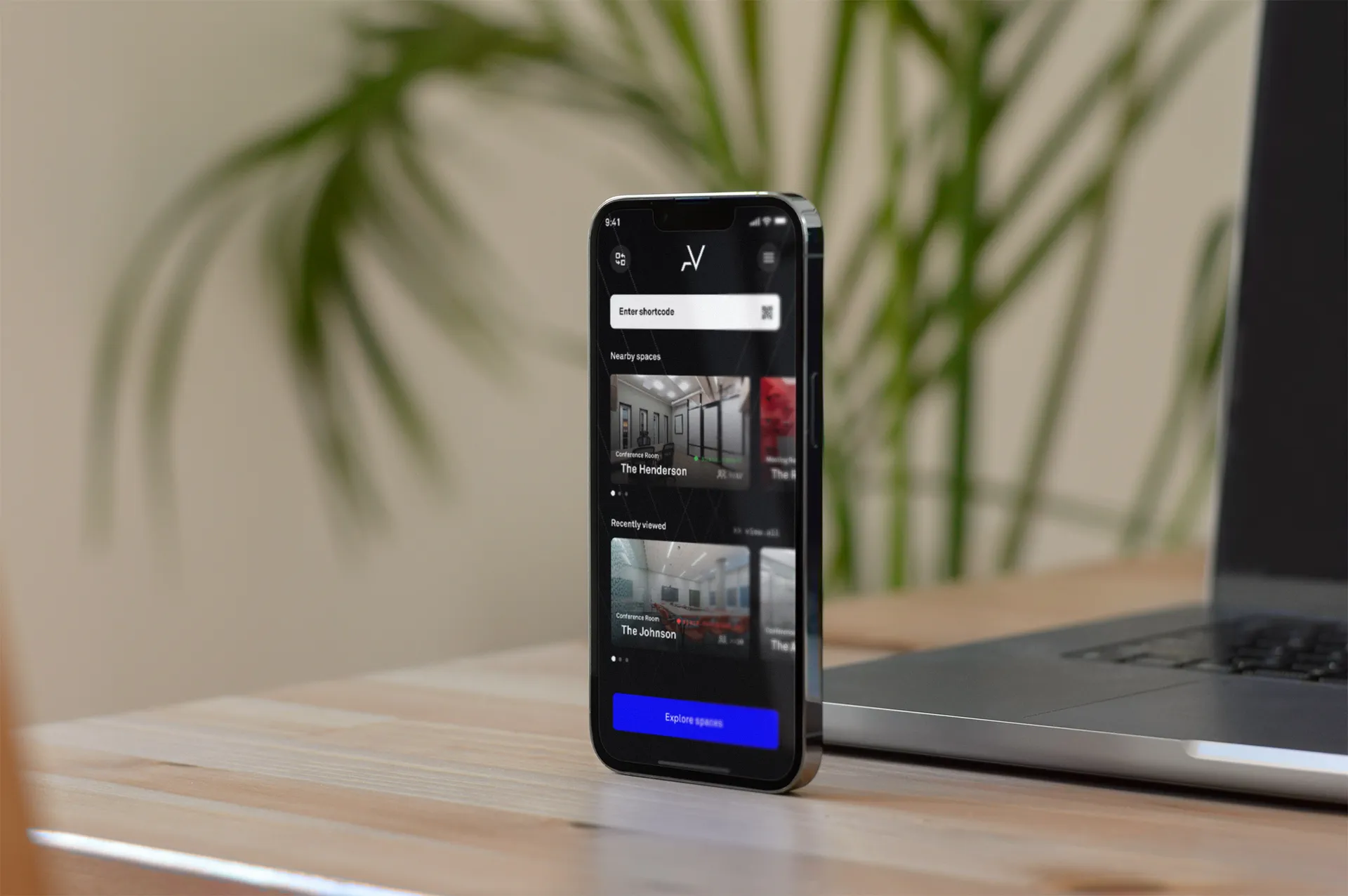
Vendor feature pages tell you what a platform can do. They rarely tell you what it's like to build with. From our client work, including the AlphaVictor platform build (a SaaS product spanning mobile and web), we've learned to evaluate AI agent platforms on four dimensions:
- Latency (time-to-first-token and end-to-end response): how long does a user wait? Anything above two seconds feels sluggish for customer-facing use.
- Cost-per-call: token pricing is published, but real costs depend on conversation length, tool calls, retries and cached-input discounts.
- Reliability and failure modes: uptime is one thing. How a platform fails matters more. Does it retry gracefully? Does it surface errors you can act on?
- Integration effort: how many engineering hours to go from prototype to production, including connecting to your CRM, database or ticketing system?
We used these criteria for the comparison below. We supplemented our own project data with independent benchmarks where available.
Head-to-head: Copilot Studio, LangGraph, OpenAI Assistants, Anthropic and OSS frameworks
Microsoft Copilot Studio
Best for: teams already using Microsoft 365 and Azure who want low-code agent building.
The platform's strength is native integration with the Microsoft ecosystem. If your business runs on Teams, SharePoint and Dynamics, you can wire up an agent to those data sources in hours rather than days. The visual builder is genuinely useful for simple flows.
Customisation is where it gets tricky. Complex multi-step reasoning or bespoke tool use pushes you towards custom code anyway. The debugging experience is limited compared to code-first frameworks.
For UK businesses, Azure's UK South and UK West regions provide solid data residency options.
LangGraph
Best for: engineering teams that want full control over agent architecture, state management and orchestration.
LangGraph gives you a graph-based framework for building stateful, multi-step agents. We've used it on projects where the agent needs to make branching decisions, call multiple tools in sequence and maintain context across long interactions.
The trade-off is clear: you need engineers who can maintain it. There's no managed hosting, no visual builder, no vendor support line. Observability requires you to wire up your own tracing. LangSmith helps, but it's another dependency.
OpenAI Assistants API
Best for: customer-facing agents where developer experience and rapid prototyping matter.
OpenAI's Assistants API has matured considerably. Function calling is reliable, the SDK is well-documented, and the pricing model is transparent. Published per-token rates sit at around $4 per million input tokens and $24 per million output tokens for flagship models, with meaningful discounts for cached inputs ($0.40 per million).
On latency, independent benchmarks tell a more nuanced story. A March 2026 benchmark measured GPT-4.1 Mini's p95 time-to-first-token at approximately 4,004 ms. That's significant tail latency for real-time customer interactions. In our own builds, we mitigate this with streaming responses and careful prompt design. Test it with your specific workload before committing.
Anthropic (Claude with tool use)
Best for: applications where consistent, low-latency responses and strong reasoning are critical.
Anthropic's Claude models have impressed us in production. The same independent benchmark recorded Claude Haiku 4.5 with a median time-to-first-token of around 597 ms and a p95 of just 612 ms. That consistency is remarkable and makes a real difference in user experience.
The tool-use framework is clean. Claude handles multi-turn tool calling with less prompt engineering than we've needed with other providers. The main limitation is data residency: Anthropic's infrastructure is primarily US-based, which matters for UK businesses handling sensitive data.
Open-source frameworks (CrewAI, AutoGen, custom builds)
Best for: teams with strong engineering capability who need maximum flexibility or strict data control.
Open-source agent frameworks have matured, but "production-ready" comes with caveats. You own the hosting, the scaling, the monitoring and every upgrade. For the AlphaVictor project, where we needed precise control over the platform's architecture, this kind of ownership was an advantage. For a team without dedicated infrastructure engineers, it can become a maintenance burden quickly.
What hidden trade-offs do AI agent vendors gloss over?
Four things we've learned the hard way:
- Versioning pain: model versions change, and behaviour shifts with them. An agent that worked perfectly on one model version can produce subtly different outputs after a provider update. Pin your versions and test regressions.
- Observability gaps: most platforms give you basic logging. Few give you the detailed, step-by-step tracing you need to debug a multi-tool agent that returned a wrong answer. Budget time for building observability into your stack.
- Vendor lock-in: the more you lean on platform-specific features, the harder it is to migrate. Abstract your core logic where you can.
- Failure modes: agents fail differently from traditional software. They don't crash; they confidently give wrong answers. We've seen a customer-facing agent pull the right data from a CRM but then summarise it with a fabricated figure, something no error log would catch. You need output validation, guardrails and human-in-the-loop escalation paths to catch these quietly wrong responses.
These are the kinds of issues that strong data analysis and decision-making processes can help you catch early.
UK and Belfast businesses: data residency, compliance and hosting
If you're handling personal data (and most AI agents will), the UK GDPR and the Data Protection Act 2018 apply. The ICO has published guidance on AI and automated decision-making that is definitely worth reading before you commit to a platform.
Practically, this means:
- Microsoft Azure offers UK-based regions. Copilot Studio workloads can stay on UK soil.
- OpenAI and Anthropic process data primarily in the US. Enterprise agreements can include data processing addendums, but the data still crosses borders.
- Self-hosted open-source frameworks on AWS London (eu-west-2) or Azure UK South give you the tightest residency control.
For our Belfast-based clients, we typically recommend a hybrid approach: use managed APIs for non-sensitive workloads and self-hosted models for anything involving personal or commercially sensitive data.
How do you evaluate and pilot an AI agent? A 6-step checklist
Before you commit to a platform, run through this:
- Define the job, not the technology. What specific task should the agent perform? Write it as a user story with measurable success criteria.
- Estimate your volume. How many interactions per day? What's the average conversation length? This drives your cost model.
- Run a latency test in your region. Benchmarks from US-East don't reflect UK performance. One benchmark service runs tests every six hours, but from Virginia. Run your own from a UK endpoint.
- Build a throwaway prototype. Spend a week, not a month. The goal is to hit real edge cases, not to build production code.
- Measure what matters. Track latency (p95, not just median), cost per completed task, error rate and user satisfaction. These numbers will inform your go/no-go decision.
- Plan your exit. Before you sign a contract, know how you'd migrate to another provider. If the answer is "we'd have to rebuild everything," reconsider your architecture.
This is similar to the MVP approach we use for startups: validate cheaply, learn fast, then invest.
Which AI agent platform is right for your company size?
Small businesses (under 50 employees): Start with OpenAI Assistants API or Copilot Studio. Both have low upfront costs and reasonable learning curves. Pick one high-value use case, such as customer support or internal knowledge retrieval.
Mid-market (50 to 500 employees): Consider LangGraph or Anthropic's tool-use framework for more complex workflows. Invest in observability from day one. We've seen mid-market teams skip tracing during their initial build, then spend weeks trying to diagnose why an agent intermittently returns wrong answers with no error trail. By the time they add monitoring, the trust damage with internal users is already done. You'll likely need a dedicated engineer or an agency partner to maintain the system properly.
Enterprise: Evaluate all options against your compliance requirements first. A hybrid architecture, managed APIs for speed plus self-hosted models for sensitive data, often makes the most sense. Budget for ongoing model evaluation as the provider landscape shifts.
Whatever your size, avoid building on a platform you haven't tested with your own data and your own users. Marketing specs and production reality are different things.
We build AI agent systems for UK businesses from our Belfast office. If you'd like to talk through which platform fits your use case, or if you want us to run a benchmarked pilot, get in touch with our team.
Frequently asked questions
What is the best AI agent platform for small businesses?
For most small businesses, OpenAI's Assistants API offers the lowest barrier to entry with pay-per-token pricing and strong SDK support. Microsoft Copilot Studio is a good alternative if you already use the Microsoft 365 ecosystem, since it reduces integration time and avoids additional vendor relationships.
Are open-source AI agent frameworks production-ready in 2026?
Some are. LangGraph and CrewAI have production deployments at scale, but they require dedicated engineering resource for observability, error handling and upgrades. If your team can maintain them, the flexibility is excellent. If not, a managed platform will save you headaches.
How much does it cost to run an AI agent in production?
Costs vary enormously by model and volume. OpenAI charges around $4 per million input tokens and $24 per million output tokens for its flagship models. A customer service agent handling 500 conversations a day might cost between £300 and £2,000 per month depending on conversation length and model choice.
Can I build AI agents without coding?
Yes, to a point. Microsoft Copilot Studio and several no-code platforms let you build simple agents visually. For anything that needs custom tool use, conditional logic or integration with your own databases, you will need developer involvement to get reliable results.
What is the difference between an AI agent and a chatbot?
A chatbot follows predefined conversation flows and responds to prompts. An AI agent can reason about goals, use external tools, retrieve data, and take multi-step actions autonomously. Think of a chatbot as a phone menu and an agent as a junior colleague who can look things up and act.
Which AI agent platforms support UK data residency requirements?
Microsoft Azure offers UK South and UK West regions for Copilot Studio workloads. Anthropic and OpenAI primarily process in the US, though enterprise contracts can include data processing agreements. Self-hosted open-source frameworks on UK Azure or AWS London regions give the strongest residency guarantees.