Most businesses don't act on UX redesign signs proactively. They wait until drop-offs spike, support tickets pile up, or a competitor's product starts pulling ahead. Here are five concrete signs that a redesign conversation is overdue, each with a quick check you can run today.
Short answer: when to stop delaying a UX redesign (the two-sign rule)
If two or more of the five UX redesign signs below apply to your product, start the conversation now. Not next quarter, not when the next funding round closes. The signs are: rising drop-offs at a specific step, a spike in "how do I…" support tickets, confusing feature creep, a design unchanged since a major OS or platform update, and feedback that the product "looks dated."
Most redesigns happen reactively. A client notices conversions sliding, a board member tries the app on a new phone, or a competitor ships something noticeably better. By the time two signs are visible, the cost of inaction is already compounding. Research compiled by Userpilot found nearly 40% of website visitors will leave a site if the design feels outdated, often before they've explored what's on offer.
The good news: each sign below comes with a quick check you can run today, without commissioning a full audit. Think of it as a 60 to 120 minute triage. You'll cover an analytics funnel check, a support ticket sweep, three rapid usability tasks, and a visual platform alignment review. We use this approach with our own clients. It consistently separates the "fix a few screens" projects from the "this needs rethinking" ones.
How do I know if my website needs a redesign?
Objective, measurable signals should drive the decision, not a hunch from someone on the team. The five signs below are those signals, and each one is observable in your existing data or testable in under an hour.
Gut feel and personal taste cause plenty of unnecessary redesigns (and plenty of missed ones). Ground your decision in analytics, support logs, and real user behaviour. If you spot two or more of these signs, a focused UX design review will tell you whether you need targeted fixes or a broader rethink.
Sign 1: Rising bounce or drop-off at a specific step (how to check in 10 minutes)
A sustained increase in bounce rate or funnel drop-off at a particular step is the clearest quantitative signal that your UX has a problem. We're not talking about your overall bounce rate drifting by a point or two. We mean a specific screen, form, or checkout step where users are leaving at a noticeably higher rate than they were three or six months ago.
For context, Baymard Institute's compiled research puts the average online cart abandonment rate at 70.22%. That's a useful benchmark, but the number that matters most is your own baseline. A step that used to convert at 60% and now converts at 45% is a red flag, regardless of industry averages.
Open GA4 (or whichever analytics tool you use), build a simple funnel report for your core user journey, and compare the last 90 days against the previous 90 days. Look for any single step where the drop-off rate has climbed by more than 10 percentage points. If you find one, you've found the starting point for a redesign conversation.
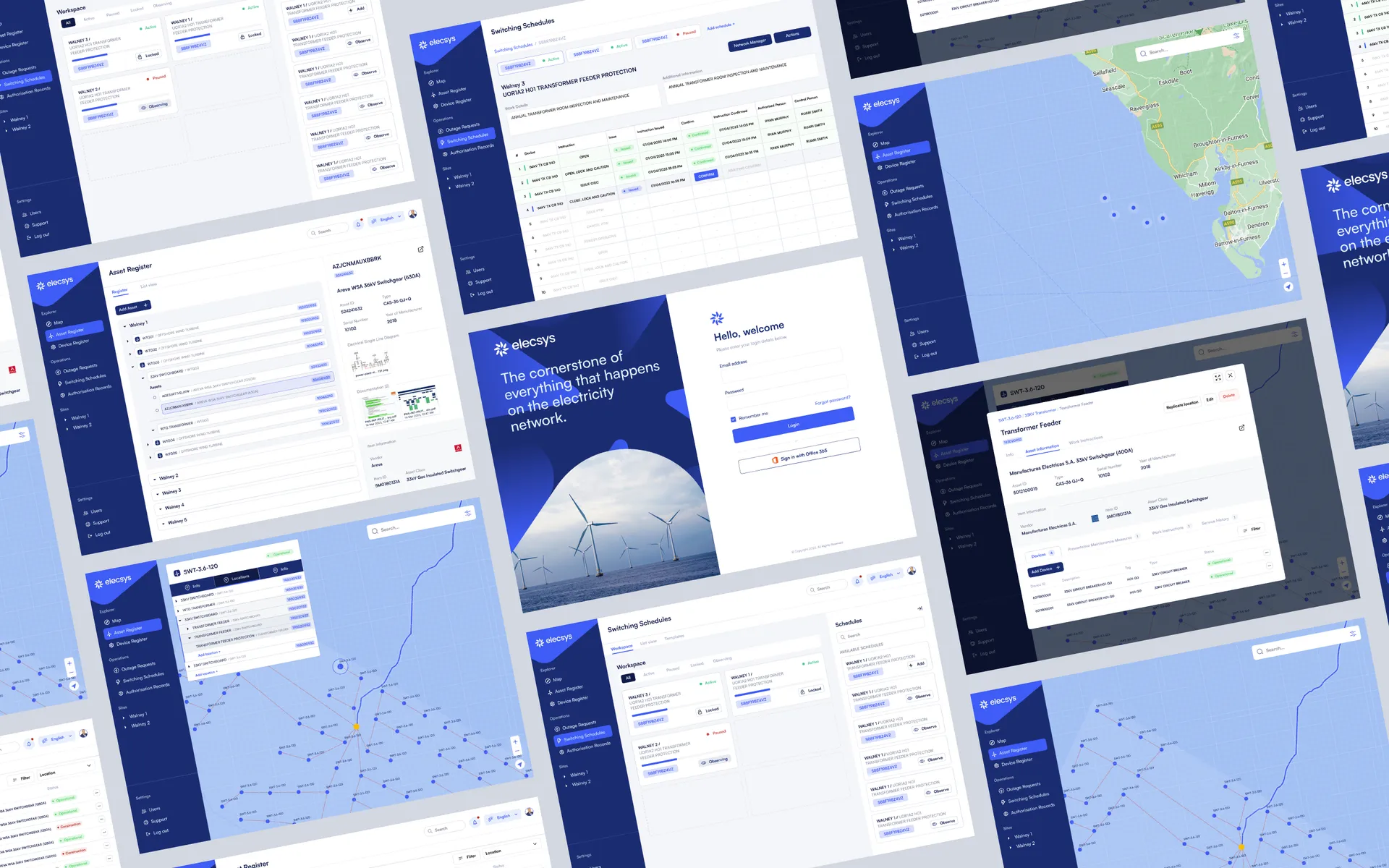
When we worked with Elecsys on their platform, identifying exactly where users were falling out of key flows shaped the entire scope of the UX work. The fix wasn't a visual overhaul. It was restructuring a handful of screens that analytics had flagged.
Sign 2: Increasing "how do I…" support tickets (what to look for in your logs)
A rising volume of support tickets where users ask "how do I…" questions about basic tasks is a direct indicator that your interface isn't communicating clearly. These aren't bug reports. They're usability failures disguised as customer service enquiries.
Export your last 90 days of support tickets and search for phrases like "how do I," "can't find," "where is," and "doesn't work" (where the feature does work, the user just can't locate it). Group them by feature or screen. If the same three or four areas keep appearing, your navigation or labelling needs attention.
This pattern tends to creep up gradually. A product that launched with a clean, intuitive flow accumulates small changes over months: a new settings panel here, a renamed button there. Each change is minor. Cumulatively, they erode the logic users learned when they first signed up.
Sign 3: Feature creep has made navigation confusing (a quick mental map test)
Feature creep turns a focused product into a confusing one. When features have been added one by one over months or years without revisiting the overall information architecture, users end up with menus that feel like filing cabinets. Deep, disorganised, full of items that don't obviously belong together.
Ask five people (colleagues who don't use the product daily, or actual users) to complete three core tasks. Don't give them any guidance. Watch where they tap or click first. If three or more people look in the wrong place for the same task, your navigation model has drifted from what users expect.
This is a simplified version of the five-user usability test recommended by Nielsen Norman Group, which consistently finds the majority of usability problems with just five participants. You don't need a lab. A video call and screen share will do.
If you're building a new product and want to avoid this trap from day one, prototyping and quick usability testing during the design phase catches navigation issues before they're baked into code.
Sign 4: Design untouched since a major platform or OS update (why this matters)
Platform owners like Apple and Google regularly update their design guidelines, and those updates change what users expect an app or website to feel like. Apple's shift to Dynamic Island interactions, Google's Material Design 3 rollout, changes to default typography, spacing, and gesture patterns: all of these reset the baseline. If your product's design hasn't been reviewed since the last major update, it may feel subtly wrong to users even if nothing is technically broken.
OS updates sometimes deprecate specific UI components or interaction patterns. A navigation drawer that worked perfectly under Material Design 2 may now conflict with system-level gesture navigation on Android. An iOS app that hasn't adopted newer accessibility APIs might fail to support features users now take for granted, like Dynamic Type scaling.
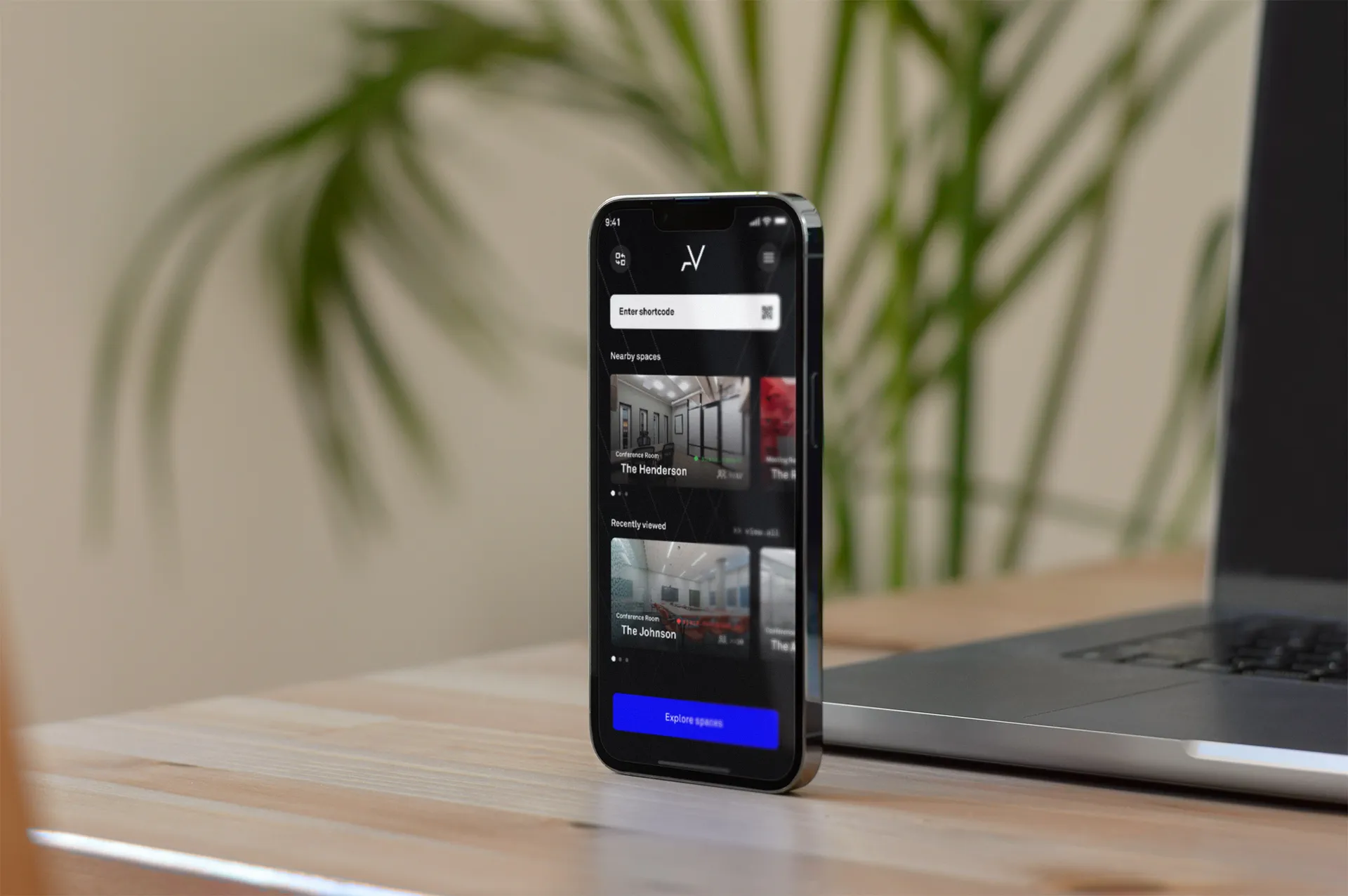
During our work with AlphaVictor, aligning the product's interface with current platform conventions improved usability without requiring a ground-up rebuild. Small adjustments to spacing, touch targets, and navigation patterns brought the experience in line with what users expected from a modern app.
Open your app on a device running the latest OS version and compare it against the platform's current human interface guidelines. Note any components that look or behave differently from the platform's native apps. If you're running a web product, check it against the latest stable versions of Chrome, Safari, and Firefox on both desktop and mobile.
Sign 5: New users or investors say "it looks dated" (how to validate that feedback fast)
"It looks dated" is subjective, but it's not meaningless. When new users or investors volunteer this feedback unprompted, it signals a gap between your product's visual language and the current standard in your category. That gap affects trust. Userpilot's compiled UX research suggests the majority of users won't return after a poor first experience, and visual first impressions are a significant part of that judgement.
To validate it fast, collect three to five competitor or category-leader screenshots and place them alongside your own product in a simple side-by-side comparison. Show the set to five people outside your team and ask two questions: "Which of these would you trust most with your data?" and "Which feels most current?" If yours consistently ranks last, the feedback is validated.
This isn't about chasing trends. You're making sure your visual design doesn't actively undermine the quality of your product. A website and web app design review can identify whether the issue is surface-level (colour palette, typography, spacing) or structural (layout patterns, component design, responsive behaviour).
How often should you redesign an app? (practical cadence and risk signals)
There's no universal redesign schedule, and anyone who tells you "every two years" without context is guessing. In our experience, many of the products we work on go through a significant UX refresh every 2 to 4 years, but the trigger should be data, not the calendar.
A more useful framework is to monitor for the five signs above on a quarterly basis. A brief 60 to 120 minute triage covers your funnel data, support ticket trends, a handful of usability tasks, and a platform alignment check. That tells you whether you're drifting toward a redesign or holding steady.
| Signal | Check frequency | Action threshold |
|---|---|---|
| Funnel drop-off increase | Monthly | >10 percentage points at any single step |
| "How do I…" support tickets | Quarterly | Sustained upward trend over two quarters |
| Navigation confusion (5-user test) | Every 6 months or after major feature additions | 3+ users fail the same task |
| Platform/OS misalignment | After each major OS release | Any deprecated components or broken gestures |
| "Looks dated" feedback | Ongoing (log it as it arrives) | Unprompted comments from 3+ separate sources |
Iterative improvement is almost always better than a big-bang redesign. Fix the highest-friction flow first, measure the result, then move on to the next. A full redesign is warranted when multiple signs overlap and the underlying information architecture can no longer support incremental changes.
If you're weighing up the benefits of investing in your mobile app, UX quality is one of the strongest levers for retention and conversion.
What should I check before commissioning a UX redesign? (a 5-point pre-brief checklist)
Before you brief an agency or an internal team, confirm the problem with data. A short pre-brief keeps the redesign focused and avoids the scope creep that turns a targeted fix into an expensive, open-ended project.
- Identify the specific funnel steps where users leave. Bring the data, not a general sense that "conversions are down."
- Export your "how do I…" tickets and group them by feature area. Show volume and trajectory over the last two quarters.
- Give five users three core tasks and note where they struggle. Record the sessions if you can. A 2-minute video clip communicates more than a paragraph of description.
- List any components that look or behave differently from current platform conventions. Screenshots help.
- Collect direct quotes from investors or users. "It looks dated" is useful. "The onboarding felt confusing because I couldn't find the pricing page" is more useful.
This checklist typically takes a couple of hours to complete and gives whoever runs your redesign a clear starting point. We use a similar triage process at the start of every UX design engagement because it ensures the work is shaped by evidence rather than assumption.
If you recognise two or more of the signs above in your own product, that's a strong signal to have a conversation sooner rather than later. We run focused UX reviews from our offices in London and Belfast, starting with the data you already have and building a prioritised plan from there. Get in touch and we'll help you figure out what actually needs fixing.
Frequently asked questions
How do I know if my website needs a redesign?
Look for objective signals: a sustained increase in bounce or drop-off at a key funnel step, rising support tickets about basic tasks, or frequent comments that the UI feels dated. If two or more of these signs apply, schedule a UX review to prioritise fixes before committing to a full redesign.
What are the signs of bad UX?
Bad UX shows up as measurable friction: users abandoning flows, repeated support questions about core tasks, inconsistent navigation, and low conversion despite steady traffic. Combine analytics data with support logs and a brief usability check with five users (a threshold recommended by Nielsen Norman Group) to confirm where the problems sit.
How often should you redesign an app?
There's no fixed schedule. Many teams do significant refreshes every 2 to 4 years, but you should act sooner when the five signs appear or after major OS UI changes. Treat data and user feedback as your trigger, not the calendar.
Does an outdated design really lose customers?
Yes. According to Userpilot's compiled research, nearly 40% of visitors will leave a site if the design feels outdated, often before exploring what's on offer. Visual credibility shapes first impressions; pair visual updates with usability and performance fixes for measurable gains.
What should I check before commissioning a UX redesign?
Confirm the problem with data: pinpoint funnel drop-offs, quantify support ticket trends, run a five-user hallway usability test, note platform or OS misalignment, and document any investor or user feedback. A short pre-brief keeps the redesign focused and avoids wasted budget.
How long does a quick UX triage take and what does it include?
A practical triage takes 60 to 120 minutes. It includes a funnel check in analytics, a review of recent support tickets, three rapid usability tasks with real users, and a visual audit against current platform UI guidelines. The output tells you which signs warrant immediate action.
Can I fix UX problems without a full redesign?
Often, yes. If only one or two signs apply, targeted fixes to specific flows or screens can resolve the friction. A full redesign becomes necessary when multiple signs overlap or when the underlying architecture makes incremental changes impractical.