Any budding mobile app developer has found themselves at this stage in the dawn of their career. What are the mobile app development basics? The fundamentals? The bits that give you context for how you work and what you work towards.
There’s a lot to cover when it comes to mobile app development; we could talk about it for hours. But don’t worry. We’ve condensed the important bits into this article for an easy mobile app development introduction.
Where Do You Start with Mobile App Development?
Let’s start at square one.
What is mobile app development?
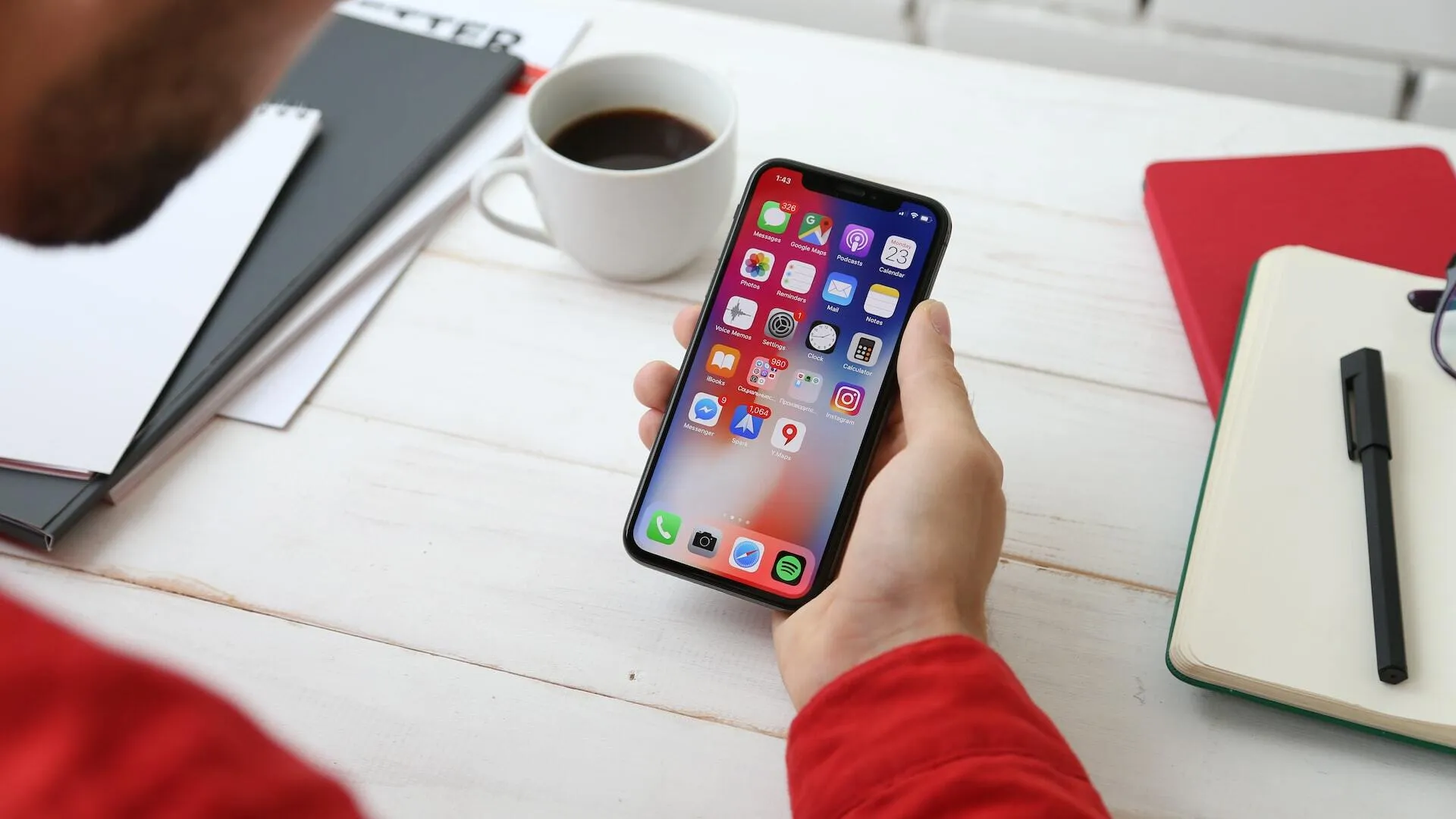
Image source: unsplash.com
We’ve all got them plastered across our phone screens: mobile apps. In today’s world, there is an app for virtually anything, from mood tracking to mobile banking. Apps are becoming a more prominent part of our daily lives all the time.
Mobile app development is the process of building a software application intended for use on smartphone devices. The application presents a collection of tools and features wrapped in a user interface that allows a person to carry out certain actions.
Mobile app usage continues to grow worldwide. With the future of mobile app development set for VR and AR apps in the metaverse and the ever-growing Internet of Things, app development is an excellent industry to get into right now.
Find out about the mobile app development trends we expect to see next.
How to Get Into Mobile App Development
You might be approaching mobile app development from the perspective of a complete development novice, or you might be looking for ways to build on existing development skills. Here’s what you need to know about getting into the industry, depending on where you are at the moment.
Stage | Approach |
You are a web developer or have experience or skills in coding. |
|
You have no coding experience, but you have an understanding of how basic object-oriented programming works. |
|
You are a complete beginner with no previous experience or knowledge. |
|
In addition to established academic organisations like universities, online academies and schools offer flexible, remote ways of learning. Take a look at
Some novice developers might be tempted to turn their hand to no-code and low-code mobile app solutions in order to build apps without the level of skill needed to code them from scratch.
While the use of low-code solutions in certain circumstances can be extremely useful (building test apps on tight budgets for market sampling before setting the parameters of a complete project), we don’t recommend developers go down this route. As a mobile app developer, you need to be capable of coding and building multiple bespoke elements, and in a competitive market, you won’t stand a chance against other devs who know their stuff. However, if you are a non technical founder, working out how to use no-code solutions can be a great opportunity to broaden your exposure and knowledge of how apps fit together that will benefit you in the future.
How Do You Develop a Mobile App Step by Step?
Wondering how to develop a mobile app? Here are the essential steps in any project to develop a mobile app.
Discovery Phase
When learning about the best way to develop mobile apps, it’s critical to know what exactly your client expects. This might be the most important step of the whole project because it’s where you set clear requirements and ensure you understand any limitations.
The developer might not always be present for the discovery phase, but it often helps if they are. At this stage, collecting information from the client and getting a deeper understanding of their objectives will lead to the project's success. Usually led by the project manager, the discovery phase involves gathering information through questions and discussion.
Here are just some questions to ask during the discovery phase:
What do you want to achieve with a mobile app?
Are there any examples of apps you like or don’t like?
What is your budget for this project?
When does the app need to be finished?
Where will the app be used? (Android, iOS, web?)
Do you want a fixed layout or a responsive one?
What is your preference regarding the use of third-party/out-of-the-box modules versus building elements completely bespoke?
What security features should the app have?
Tell us about your competitors.
It’s a good idea to ask the client to supply any relevant material like the following to provide more context on the business.
Brand guidelines
Marketing Strategy
Competitor analysis (or just competitor list)
Visual content including photos, graphics, and film
It’s at the discovery phase that we determine whether the app should be native, hybrid, or cross-platform which affects the build from the ground up. Find out more about the difference in our articles.
What Is Cross Platform Mobile App Development?
Understanding Native, Hybrid and Cross-platform Mobile App Development
After the discovery session, a team will be established with developers, designers, and account managers to work on the project.
Research Phase
Having gathered as much information as possible from the client about their perspective, wants, and requirements it’s now time for the team to conduct further research that will give way to the UX/UI design and functionality of the app. This will include market research (how does the client sit against its competitors? What are the competitors doing that the client isn’t?) and audience research (what do people in the client’s demographic respond to? What are their specific requirements? What do other apps marketed at this demographic look and feel like?).
All relevant individuals in the team will usually work to a Gantt chart and be organised by the project or account manager. Research will help to define the direction of the design and development phases.
Create Design Wireframes
The designer will create wireframes that demonstrate the look, layout, and functionality of the app visually. Wireframing helps to focus the ideas brought together in the research phase and provides clear visual guidance on what the app will be like.
Wireframes are like blueprints for the app that developers can work from. If you have designed a web page before, the process is very similar. The designer will work closely with you to convey the purpose and function behind all the elements of the design. In addition to the wireframes they may provide roadmaps that show how the pages of the app are navigated.
Well-built apps always come from strong, clear wireframes, so ensuring designers and developers can work closely together is important. Take a look at examples of some of our favourite mobile app designs.
Building Process
Building a mobile app involves both back-end and front-end development. Sometimes a mobile app developer will do both, but usually, there will be dedicated back-end and front-end developers who focus on these two different practices, respectively.
Back-end development |
|
Front-end development |
|
The development team will select a tech stack consisting of mobile app programming tools and software, and third-party plugins to build the app. Some elements might be added pre-built (and re-skinned in line with the design guidelines), and some elements built entirely bespoke depending on what was decided in the discovery phase.
It’s possible that before building the complete app, your client might require a prototype for market sampling and testing. Creating a prototype helps to test the water and see if you are moving in the right direction with the app for the client, their stakeholders, and partners. Prototyping is one of the rare occasions in which we may use a low-code platform in the interest of budget and lead times.
Testing and Launch
The final stage in developing a mobile app before it gets deployed is testing. You should be looking for any snags in the app's functionality, whether it is clear and easy to understand, if actions can be performed intuitively, if it’s enjoyable to use, and any other useful feedback. Mobile app development could have a number of different testing processes, including
Internal testing
Client testing
Professional testing labs
Market sampling
We follow this basic mobile app development guide process to create all our mobile apps. Take a look at some of the apps we’ve made for our clients.
Mobile App Development Tips

Image source: unsplash.com
Start with clear objectives: this not only allows you to understand exactly what the purpose of the app is, but sets clear parameters in place that need to be met by the developers or agency.
Define the requirement and the answer. Every app should answer a need or a requirement. Creating an app at the request of a brand simply because all competitors are doing so (while possible) might not necessarily result in downloads. Defining the need for the app not only aligns with objectives but supports the following tip, which is…
Know your demographic. In-depth, granular research and understanding of the types of people the app is intended for will impact everything about it: from the navigation to the UI styling.
Lock into a tech stack early. The tools in your mobile app tech stack will work together to produce a mobile app that is powerful, secure, and robust. Failing to select the proper tools for your tech stack could result in time-consuming and complex reworking later on.
Test thoroughly. It’s easy to get stuck in an echo chamber when working on an app, especially if you get a lot of feedback from your client. Remember that diverse testing is essential to weed out any snags or aspects that are difficult to understand. App testing should be carried out across various demographics. Don’t forget to stress-test your app on different devices, bandwidths, resource loads, and different operating systems.
If you’re a business owner who’s found themselves here because you’re trying to decide how to approach creating your brand’s own mobile app, take a look at our guides. We offer advice and tips to help you make the best choices for your business.
Questions to Ask a Mobile App Developer Before Working With Them
Your Mobile App Development Project Explained: What to Expect
What You Need to Know About Mobile App Development Outsourcing
The Benefits of Mobile App Development for Start-Ups and Transformative Businesses
How Custom Mobile App Development Can Increase Revenue and Brand Awareness
Frequently asked questions
What does mobile app development involve?
It is the process of building a software application intended for use on smartphones. The finished app presents a collection of tools and features wrapped in a user interface that lets a person carry out certain actions, and it involves both back-end work on servers and data and front-end work on styling and interaction.
How can a complete beginner get into mobile app development?
Search out introductory courses in coding and development, or enrol with an academy or university. Online options such as Codecademy, Google Play Academy, Udacity and Udemy offer flexible remote learning. Anyone with basic object-oriented programming knowledge can self-teach from online resources and pick a language or framework such as React Native.
Should new developers use no-code or low-code tools to build apps?
Not as a substitute for coding. Low-code tools are useful for building test apps on tight budgets before a full project, but a mobile app developer needs to be able to code and build bespoke elements to compete. For non-technical founders, however, no-code tools are a good way to learn how apps fit together.
What happens in the discovery phase of a mobile app project?
The team, usually led by the project manager, gathers the client’s objectives, budget, deadline, target platforms, security needs, competitors and preferences on bespoke versus off-the-shelf elements. Brand guidelines, marketing strategy and visual content are collected, and the choice between native, hybrid and cross-platform is made.
What is the difference between back-end and front-end development in an app?
Back-end development covers the non-visible, server-side elements, such as storing, processing and implementing information when a user makes a purchase. Front-end development covers the visible, client-side elements, meaning the app’s styling and how the user interacts with it. Larger teams usually have dedicated developers for each.